Perch, the story-focused sharing platform built on Project Kestrel, has just received a few lovely upgrades to help every bird photographer tell their stories to the fullest.
Customize your timeline with new photo and video notes
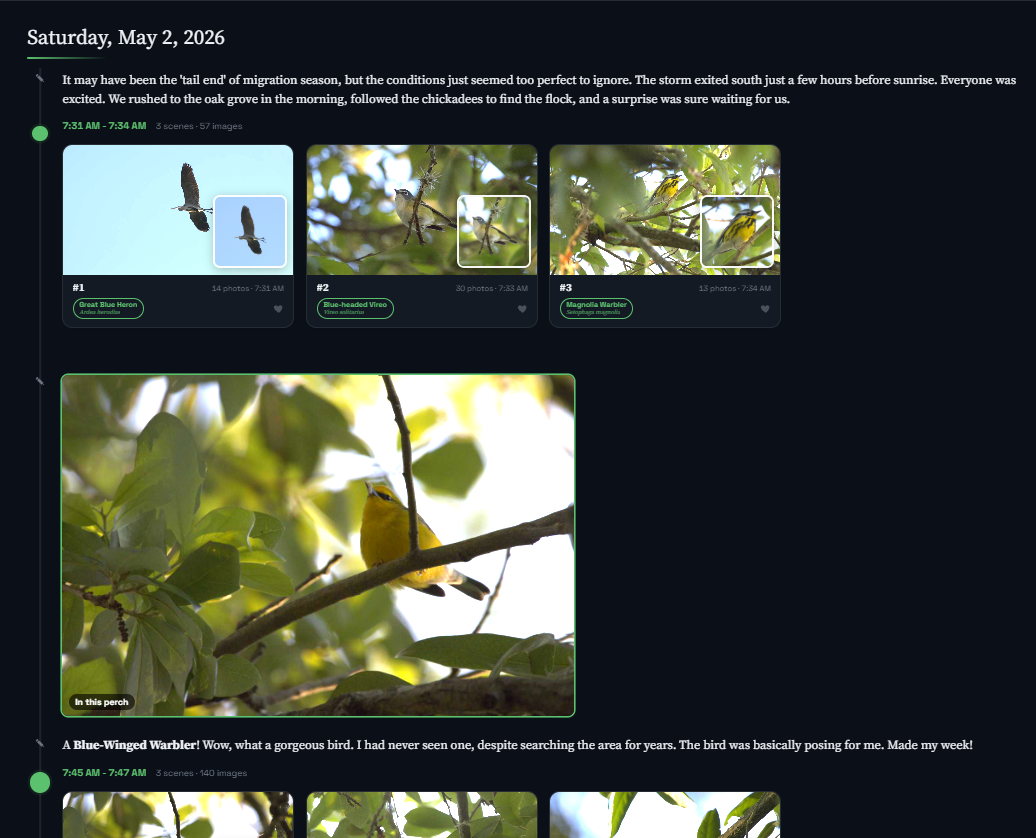
Project Kestrel organizes your bird photography into quality-sorted scenes, and Perch lets you share that entire timeline with anyone in just a few clicks. But what makes a Perch special is your timeline notes: your first-hand account of what you saw, how you felt, and what the outing meant to you.
Perch's latest features give you more creative, expressive ways to write those notes.
Image notes
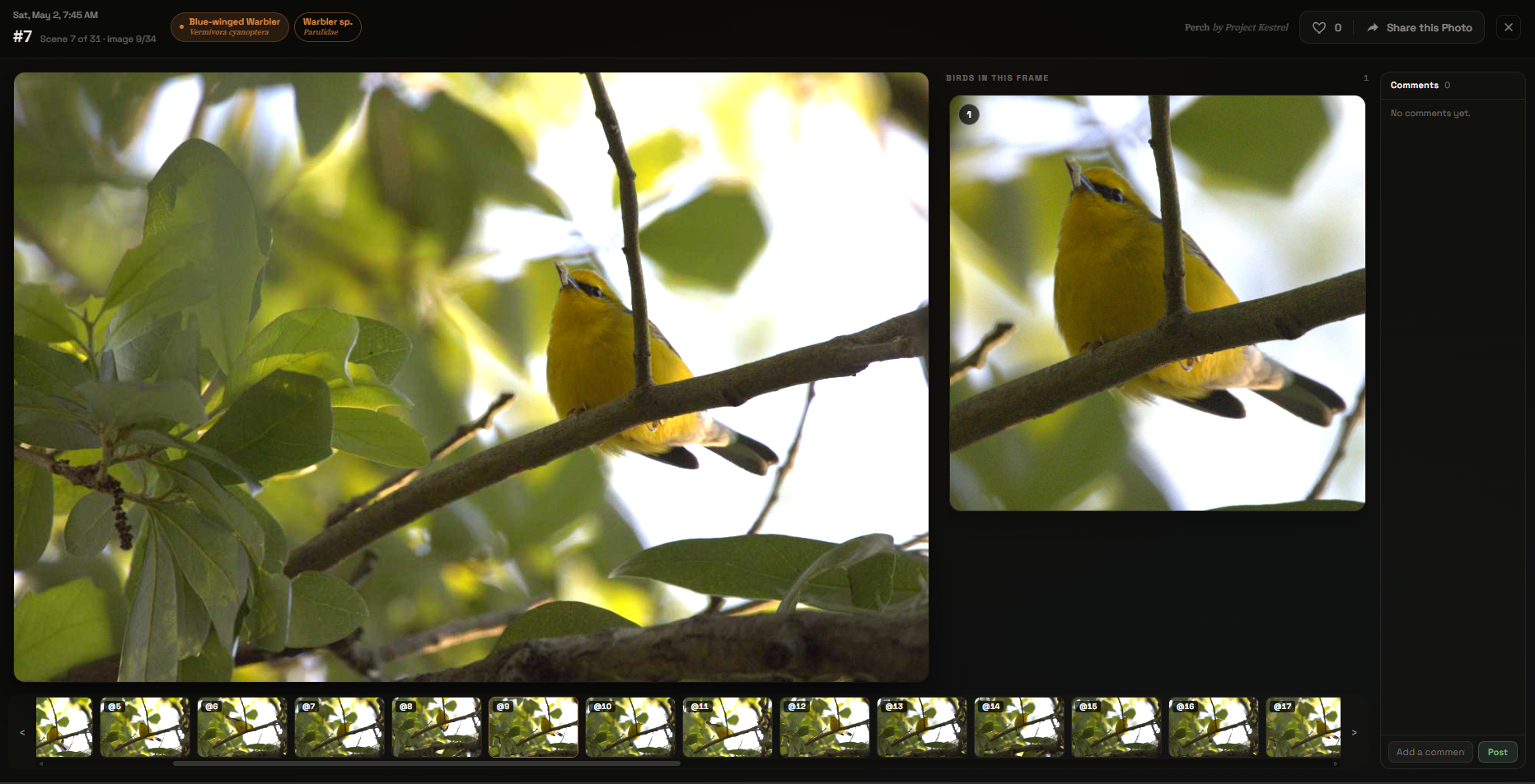
If there's a photo in your Perch you don't want readers to miss, you can add an Emphasize Image note to embed it right in your timeline. Readers can click the emphasized photo to open it within the Perch scene itself.
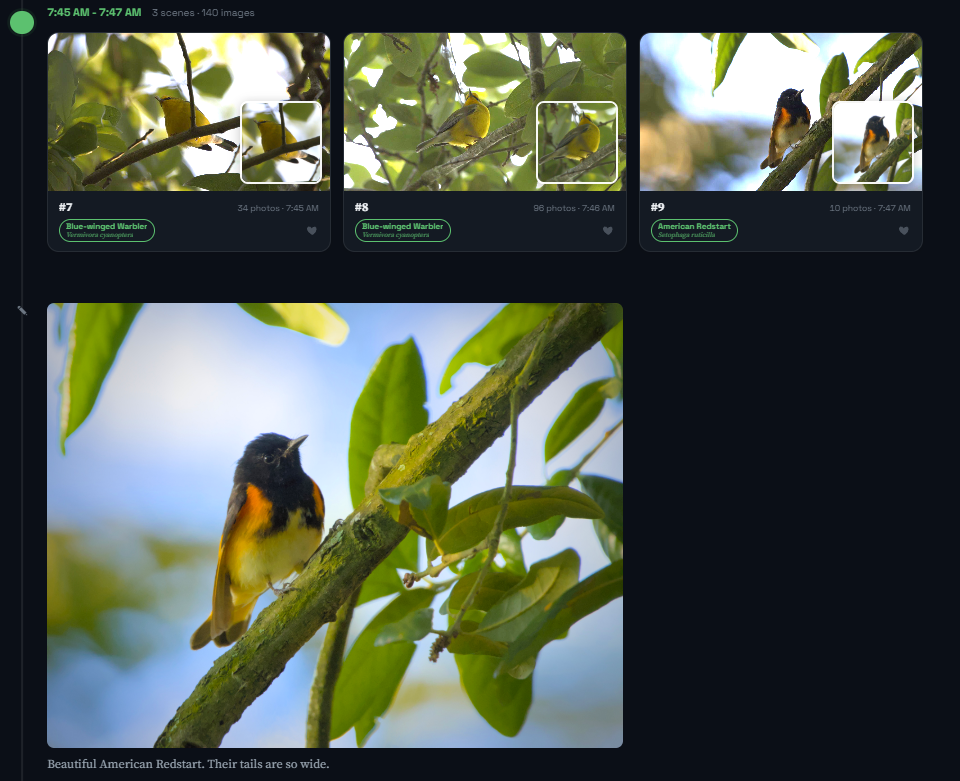
You can also now upload your own photos — like your final, edited shots or wider environment pictures — to embed within your Perch.
And timeline notes now support YouTube video embeds, so you can share your videography right alongside your photos.
I hope these three new capabilities help you tell your birding stories in richer, more expressive detail.
Perch Groups is out of beta
Birding is often a shared experience — and now your Perches can be, too. Perch Groups has graduated from beta and is available to everyone. If you birded alongside other photographers, you can merge your timelines into one shared trip, so the same outing can be relived through each person's lens. It's a wonderful way to see the birds you might have missed, captured by someone standing right beside you.
Minor changes: a new dark theme, better privacy controls, and more
Did you notice Perch has a new dark theme? Scroll to the very bottom of any page on Perch and you'll find a toggle — give it a try.
Perch users also have better privacy and content-moderation controls. You can now block a user, remove someone's comments from your Perch, and set tighter controls over your sharing settings.